Grocery Receipt Scanner · Free Android & Web App
Turn grocery receipts into a smart home inventory
Stop typing groceries by hand. Snap one photo of any grocery receipt and every item lands in your home inventory automatically — sorted by storage location, with expiry dates already filled in. A 30-item shop takes about 10 seconds instead of 10 minutes.
How it works in 3 steps
-
Take a photo of your receipt
Point your phone camera at any printed grocery receipt. The image is read directly by Expireless — no app switching, no upload step.
-
Every item parsed automatically
Expireless reads each line, identifies the product, assigns a storage location (fridge, freezer, or pantry), and sets a default expiry window based on the food category.
-
Review, edit, save
The full parsed list appears before anything is saved. Tap any item to correct it. Confirm — and your pantry inventory is up to date in under 30 seconds.
Store compatibility
Works with the stores you already shop at
Expireless has been tested with receipts from the major US grocery chains. If the receipt prints item names in plain text — which every major chain does — Expireless can read it.
- Walmart, Target, Costco, Kroger, Whole Foods, Trader Joe's
- Aldi, Publix, H-E-B, Safeway, Meijer, Wegmans
- Most regional chains and independent grocery stores
- Restaurant, gas station, and pharmacy receipts are automatically filtered out
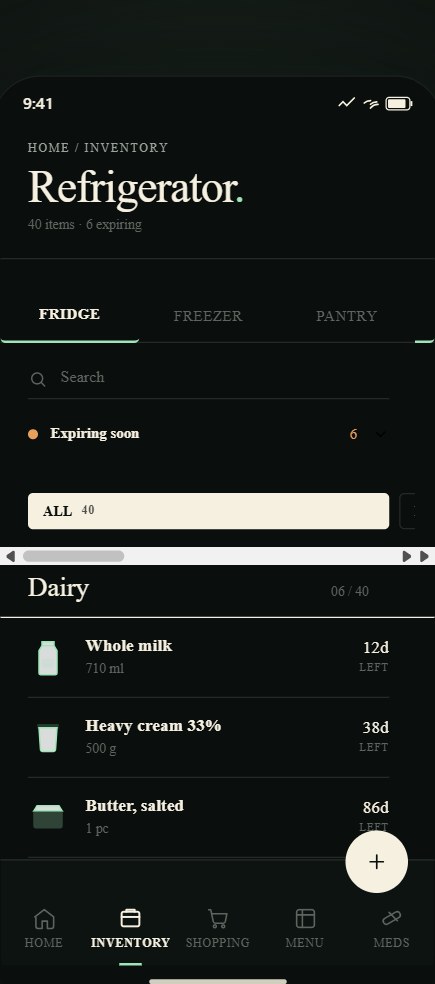
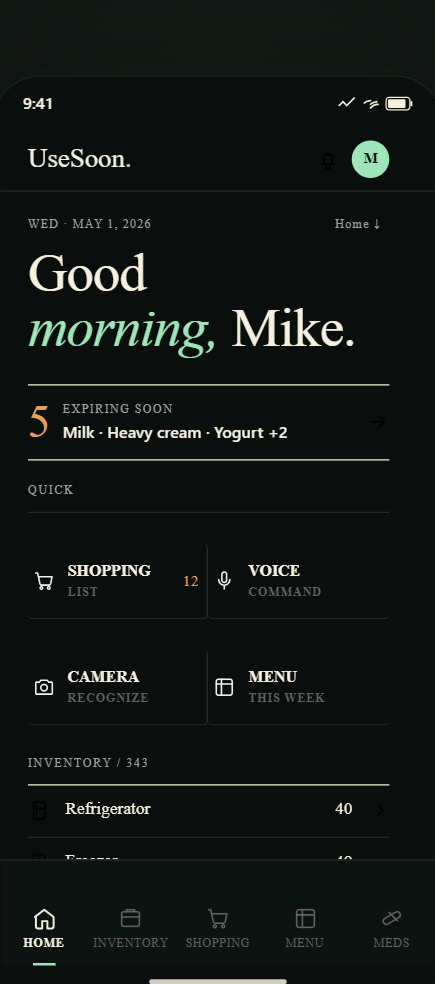
Photograph the receipt · Log the whole cart
Scanning every barcode one by one is a nightmare
Hauling a giant Costco cart home and spending half an hour beeping every can with your phone? Nobody has time for that — and local brands often aren't in barcode databases at all.
Just photograph your receipt. Expireless recognizes every item, groups them, and adds them straight to your kitchen inventory.
- Log your whole cart in one click — right at the trunk of your car
- Storage assignment — dairy to fridge, frozen goods to freezer, dry goods to pantry
- Category defaults — chicken gets 3 days, milk 7 days, pasta 2 years
- One-tap correction — change name, location, or expiry before confirming
Why not use barcodes? Standard grocery barcodes (UPC/EAN) only encode a product ID — they contain no expiry date, and local brands often aren't in the databases at all. The receipt has everything in plain text.
After the scan
Your inventory is now live — expiry alerts start immediately
Items you just scanned are already being tracked. Expireless will send you a morning alert before anything expires. Go straight from checkout to organized.
Common questions about receipt scanning
Which grocery stores does the receipt scanner support?
Expireless works with most major US grocery chains: Walmart, Target, Costco, Kroger, Whole Foods, Trader Joe's, Aldi, Publix, H-E-B, Safeway, Meijer, Wegmans, and most regional chains. If the receipt prints item names in plain text — which every major chain does — Expireless can read it.
What if an item is misread or sorted into the wrong location?
After scanning, you see the full parsed list before anything is saved. Tap any row to edit the name, storage location, quantity, or expiry date. It's one tap to fix — you're not retyping the whole receipt. Most receipts need zero corrections.
Do barcodes contain expiration dates?
No. Standard grocery barcodes (UPC, EAN) only encode a product identifier. They contain no expiry date, no batch date, nothing about shelf life. Expireless uses category-based defaults instead — fresh chicken gets 3 days, milk gets 7 days, canned goods get 2 years. All defaults are editable before you save.
Can I scan old receipts I've already used?
Yes. Expireless can scan any receipt. For older receipts, expiry dates will be counted from today's date, so items that have already expired will show up as expired. You can adjust dates manually or just delete those items. Useful for building up an initial inventory from the last few weeks of shopping.
Does it work with digital or emailed receipts?
Currently Expireless is optimized for printed receipts photographed with your camera. For email receipts, take a screenshot on your phone and scan the screenshot — it works, just not as cleanly. Native email/PDF support is on the roadmap.
Stop typing groceries by hand
Free to download · Receipt scanning included in Pro · $4.99/month